.png?width=500&height=141&name=BRANDING%20ELEMENTS%20LIBRARY%20(11).png)
You are receiving this email because you are the main contact for your team. Please feel free to forward this information to others on your team who may find it helpful.
We’re excited to announce a Now Live in Production enhancement to the User Access Report. This update introduces a new Export All Access option that consolidates all user access information into one unified Excel file.

 What's New
- Export all access records across Forms, Data Management, and Reports.

- Includes all applicable access types (Edit, Visible, Form Search, Skip Approver).

- Displays assigned custom roles, budget role assignments, and entity/department assignments.

- Excel export with Access Detail and summary tabs (User Summary, Custom Roles, Budget Roles, Entity/Department Assignments).
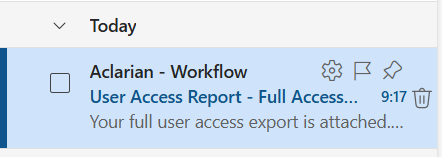
- Large reports run as backend jobs with a clear message; completed files are emailed directly to the requesting user.

Why It’s Important
- Provides a single source of truth for all user access.
- Simplifies audit preparation with complete visibility into roles and assignments.
- Reduces backend queries, saving time and effort.
- Ensures greater transparency and reporting accuracy.
How to Use
- Navigate to the User Management module and open the User Access Report.
- Select the new Full Access Export option "Export All Access".
- If the report is large, you’ll see a message confirming that the export is being generated.
- Once complete, the Excel file will be emailed directly to you.
Access Information
To use the new Export All Access option, users must have access to the User Access Report within the User Management module. Please ensure that appropriate permissions are granted at the user level so your team can take advantage of this feature.
This enhancement is now live in Production. You can begin using the Export All Access option.
Need Help
If you have questions about How to Use the AI Suggest Budget feature, contact the Aclarian Client Support team for assistance.
- Email: clientsupport@aclarian.com
- Contact your assigned Customer Support liaison
- For urgent issues, use the Live Chat Feature